Get Paid on Time.
Pay Your Subs on Time.
Payment applications for main contracts and subcontractors—auto-provisioned from the contract, aligned with the Construction Act, and AI-generated cash flow forecasting that tracks actuals.
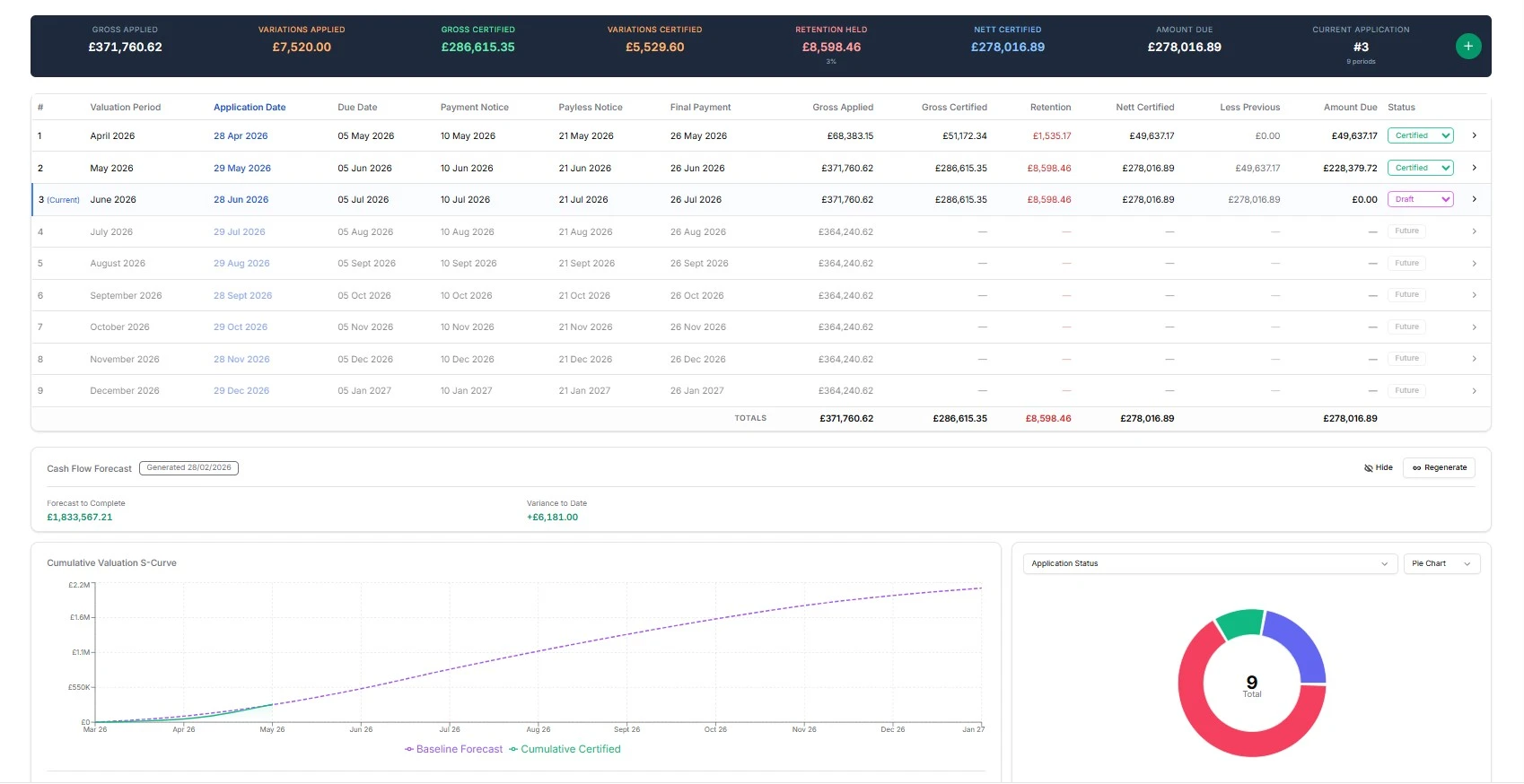
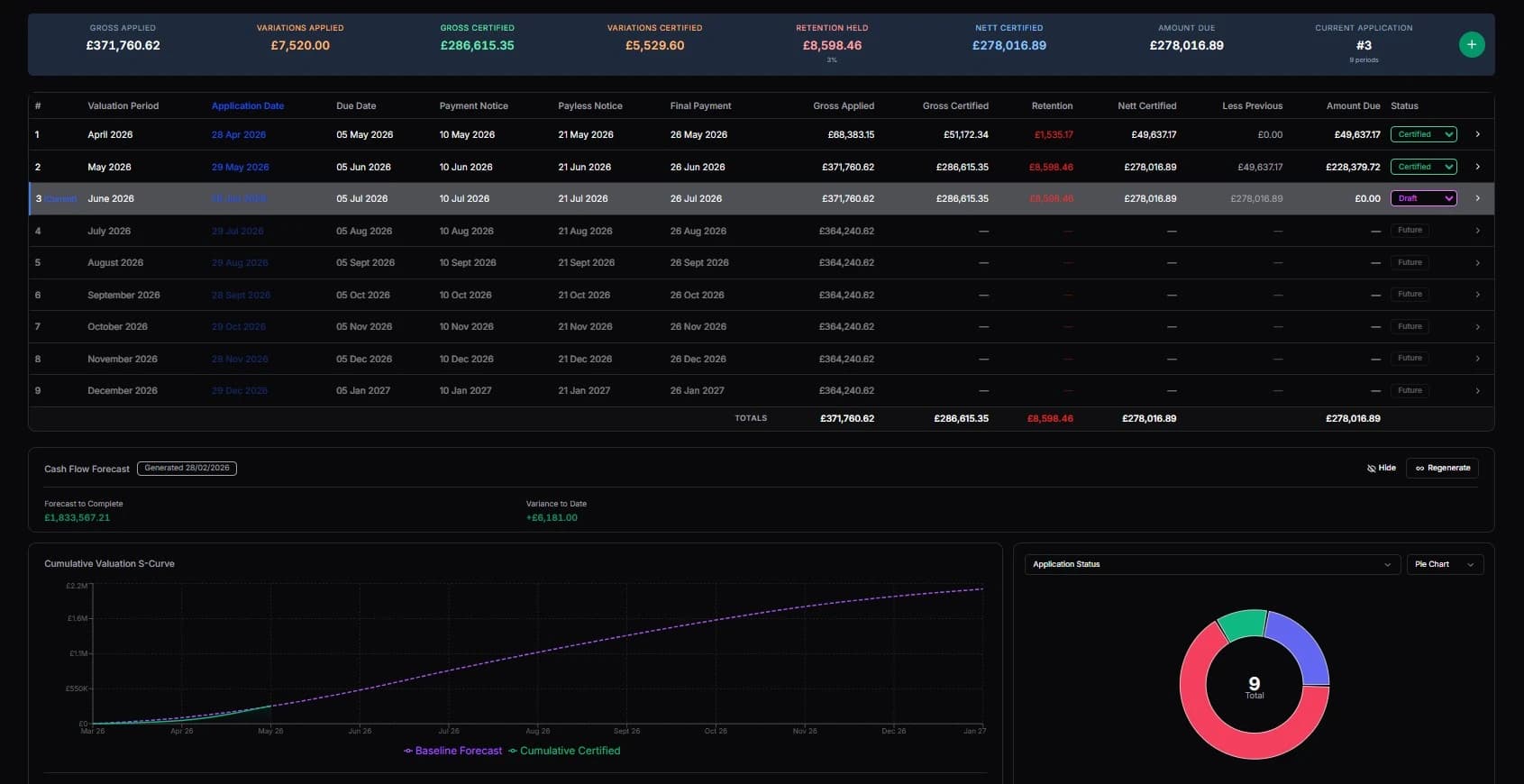
Payment applications should be simple. They're often a mess.
Application dates get missed because no one tracks the cycle. Payment notices go out late, or not at all, leading to disputes. Main contract applications are in one spreadsheet, while each subcontractor submits in a different format. Variations are included without references. Retention calculations are manual. Cash flow remains unclear until the bank account reveals the truth.
For subcontractors, it's worse. Applications arrive by email with no standard format. Certified amounts don't match applications, and tracing back the reasons is hard. Pay less notices are issued last minute, making the cycle feel adversarial when it should be routine.
The Construction Act sets clear rules. Most contractors track these dates in diaries—or not at all.
Applications that set themselves up from the contract.
Both main contract and subcontractor applications follow the same process—pre-provisioned, date-driven, variation-aware, and tracked from application to payment.
Your contract triggers the cycle. You just complete each application.
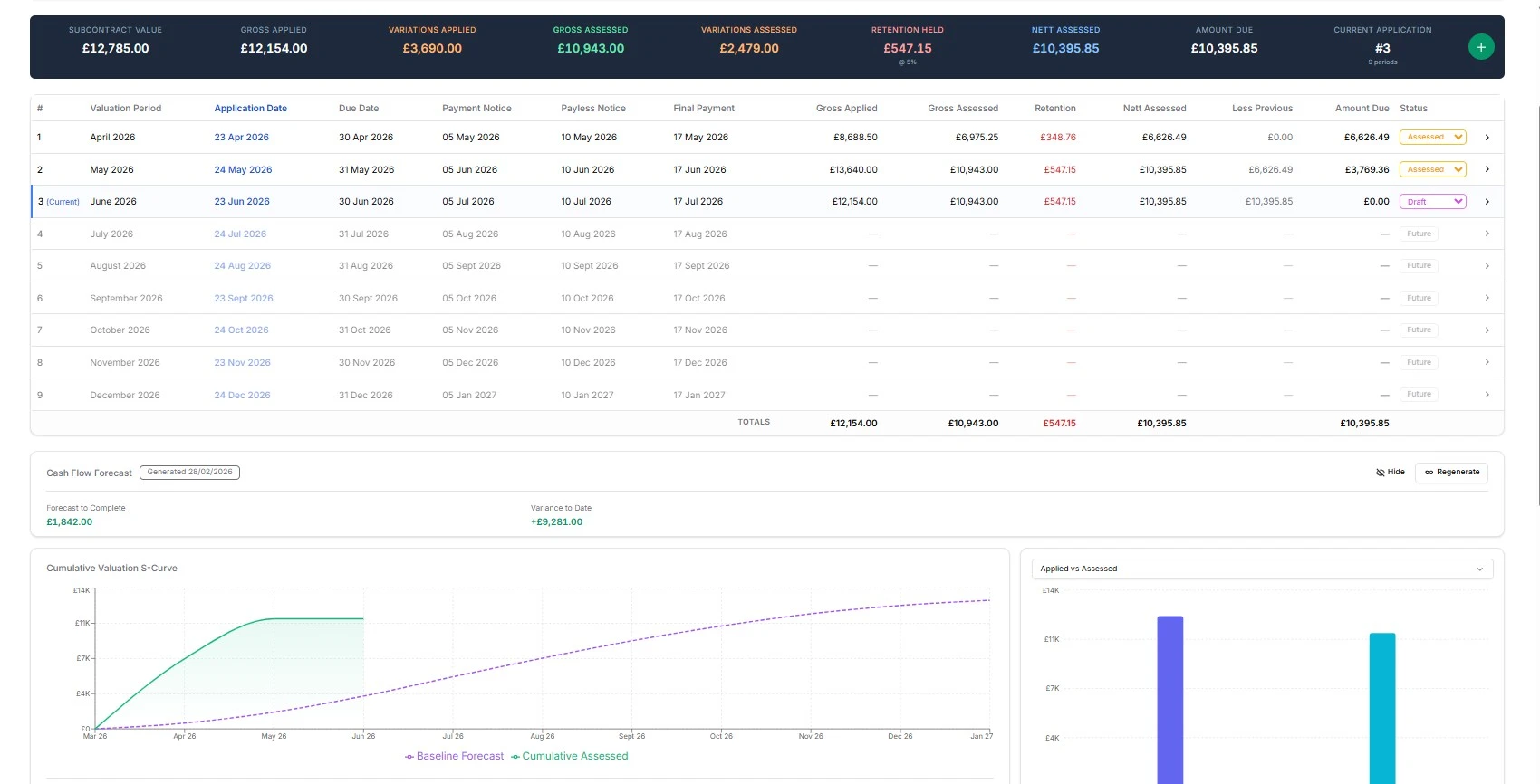
When you push from main contract to applications, Application 1 is pre-provisioned and ready. Set your payment cycle configuration—application start and end dates, payment terms, submission dates, payment notice dates, pay less notice dates, and final dates for payment.
Hit generate. Every application in the cycle is created, with dates pre-calculated based on your settings. No manual diary entries. No missed deadlines. Open an application, complete your valuation, include variations from the cost report, and submit.
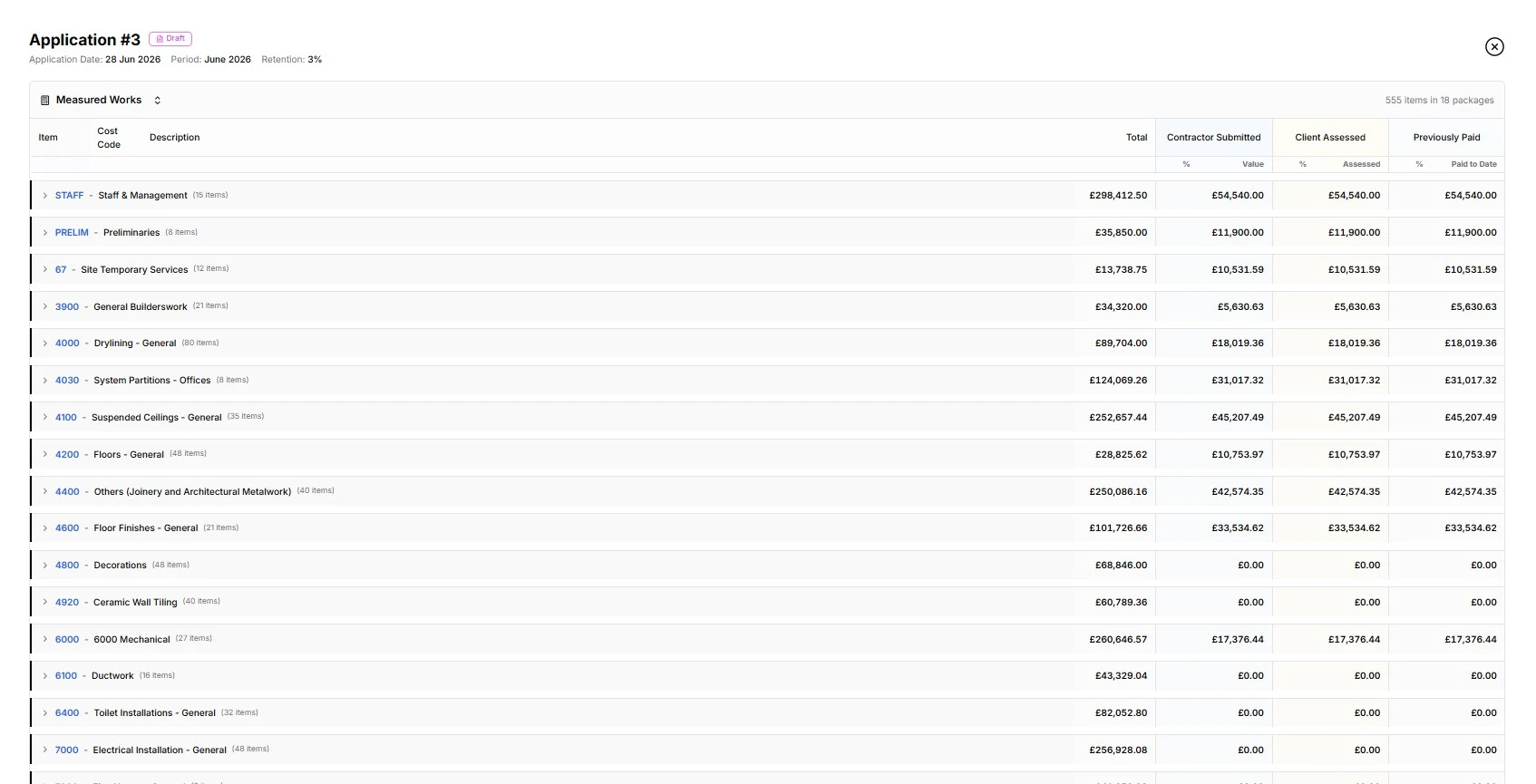
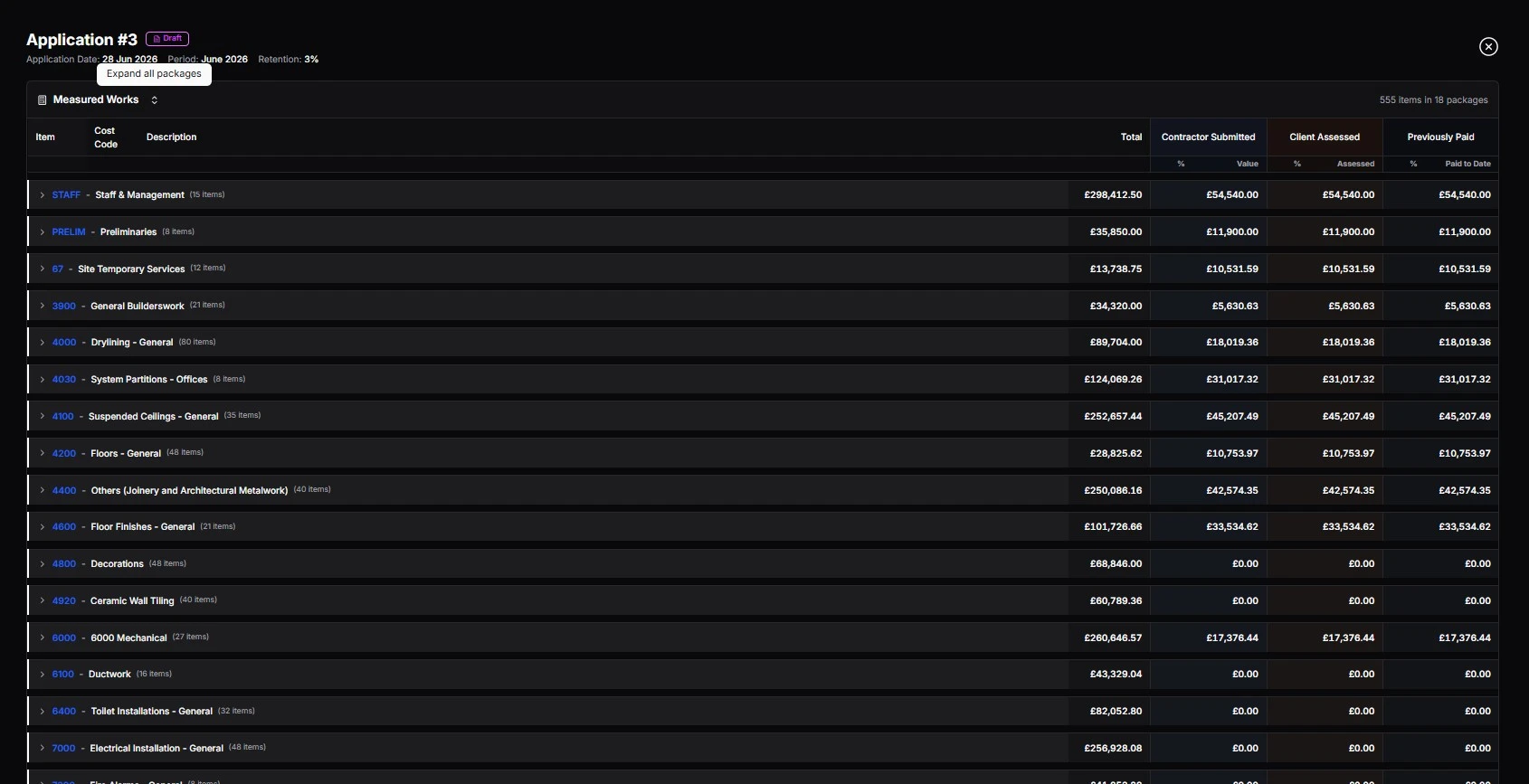
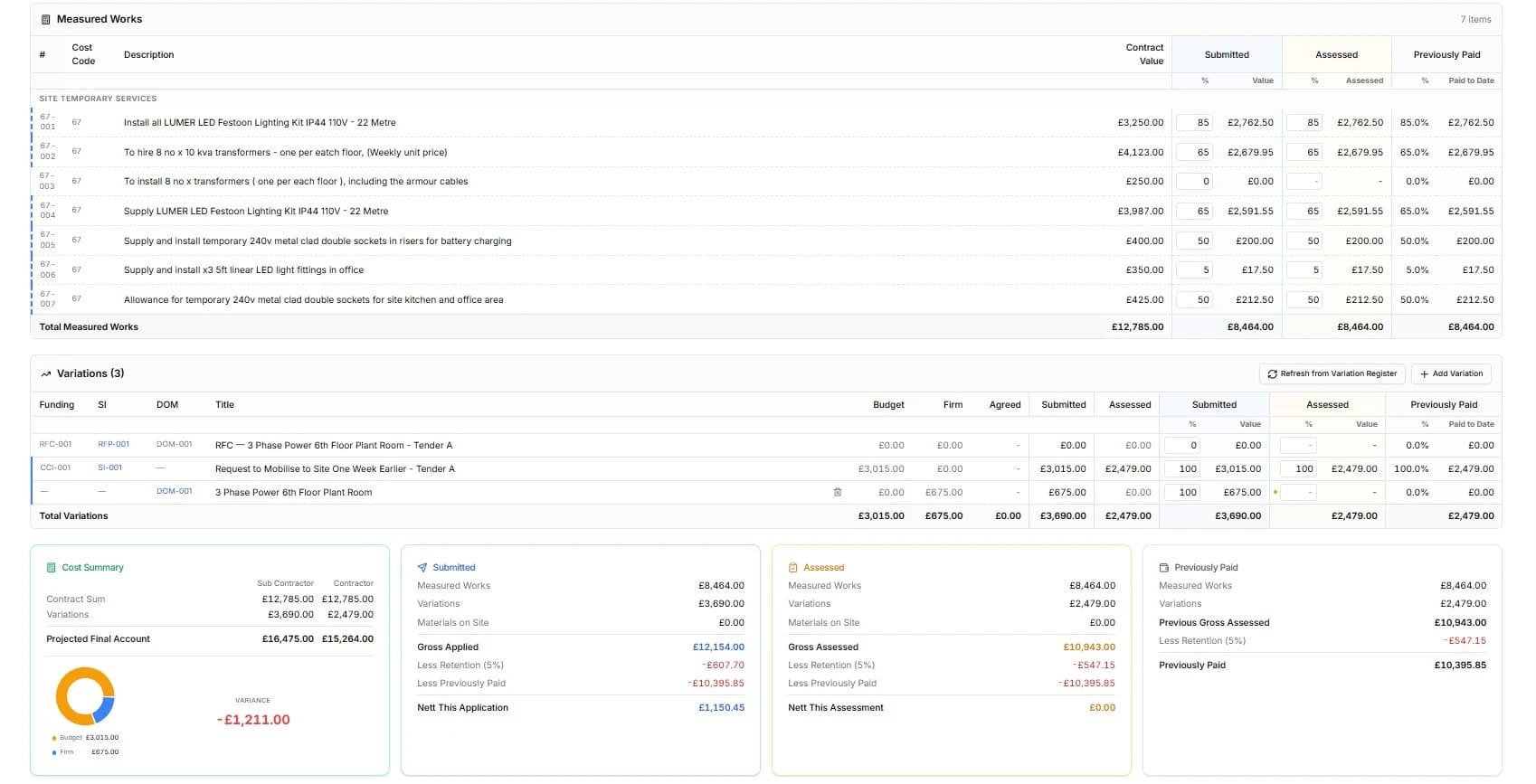
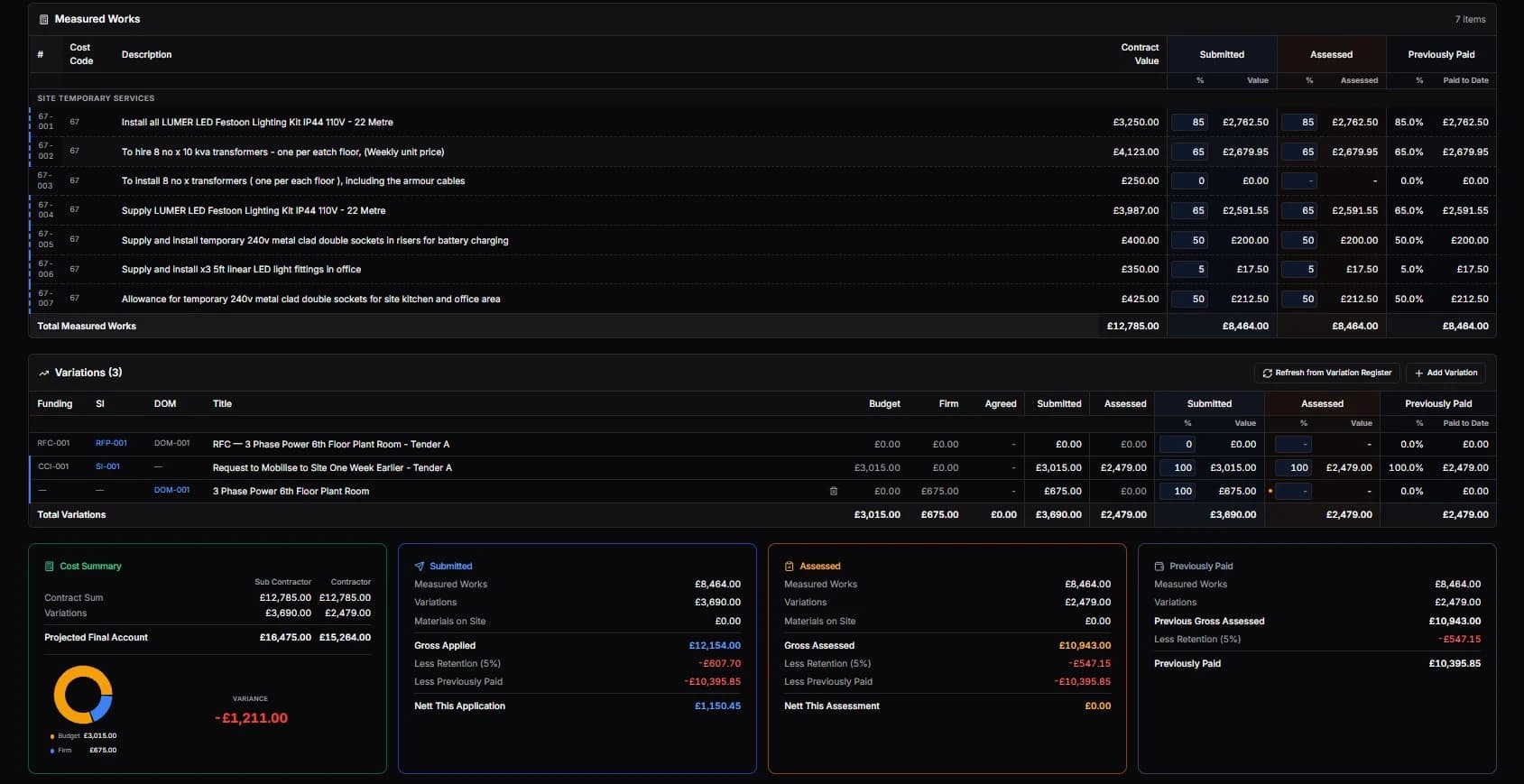
Same process. Same discipline. Every trade managed consistently.
When a subcontract is marked as ready, an application card is pre-provisioned for that subcontractor. Set their payment cycle configuration—same fields, same discipline—hit generate, and their application cycles are created.
Here's where it gets interesting.
Subcontractor-raised variations—when a trade submits their application, they can include variations the contractor may not know about. These are flagged as domestic variations. The contractor sees them right away—in the application, variation register, and CVR.
The trade might know something you don't. Better to see it early than find out at final account.
Construction Act compliance. Every date tracked.
The payment cycle configuration is built around the Housing Grants, Construction and Regeneration Act. Every application has:
- Due date — when the application should be submitted
- Payment notice date — when the paying party must issue their notice
- Pay less notice date — deadline if the certified amount differs
- Final date for payment — the last date payment must be made
No ambiguity about when notices are due. No disputes from missed deadlines. The system tracks it, so you don't have to.
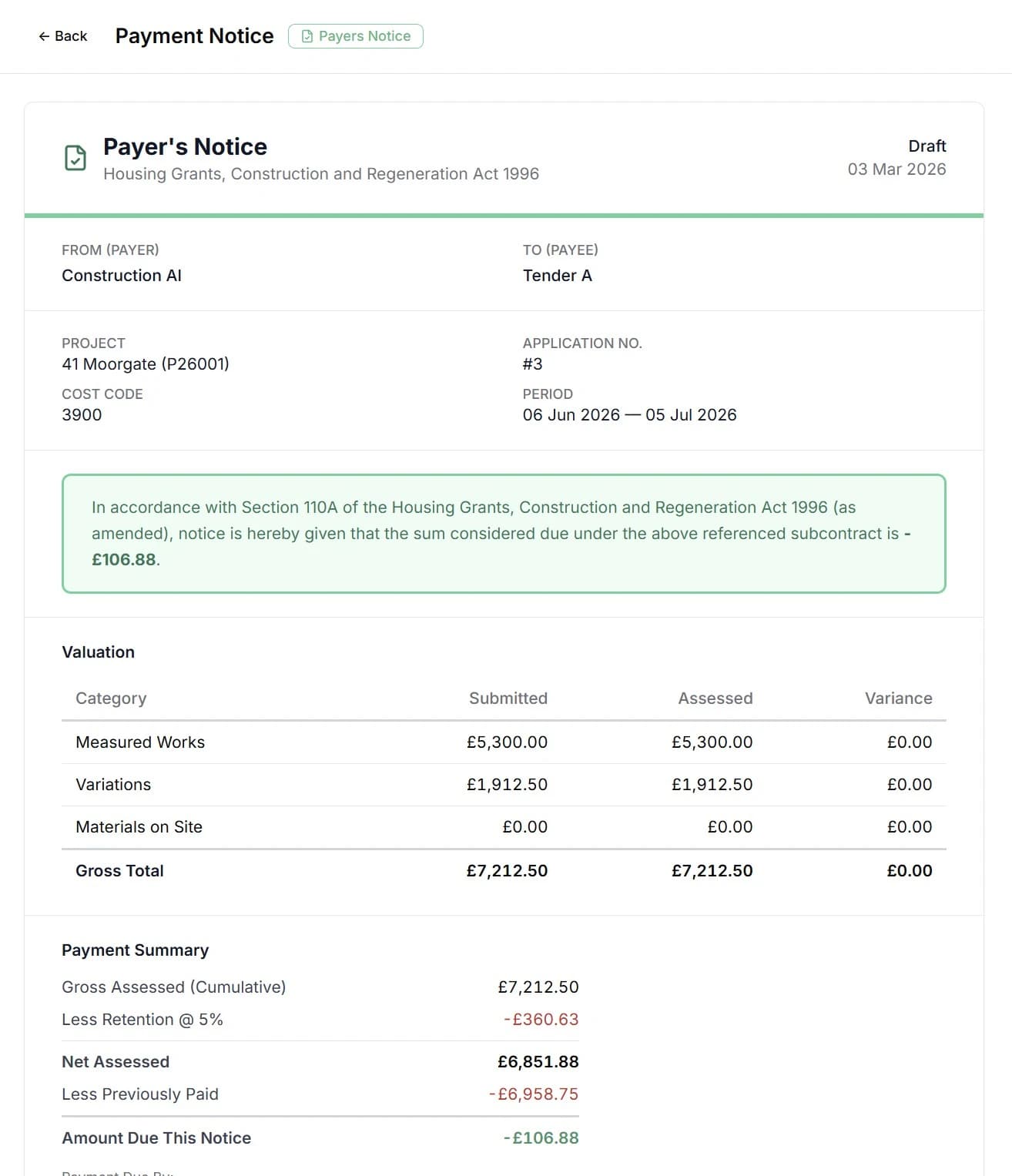
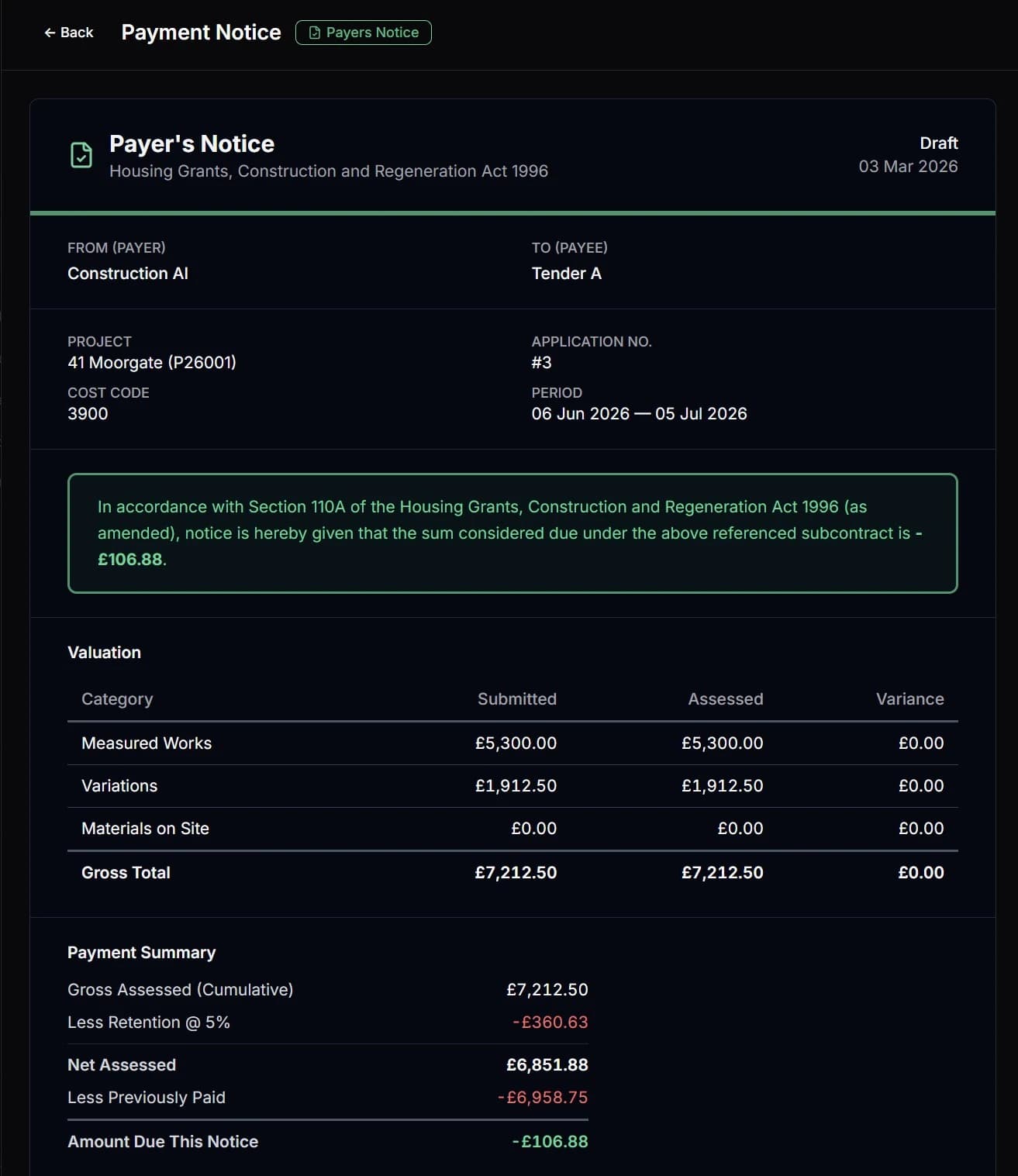
See your cash profile before it happens.
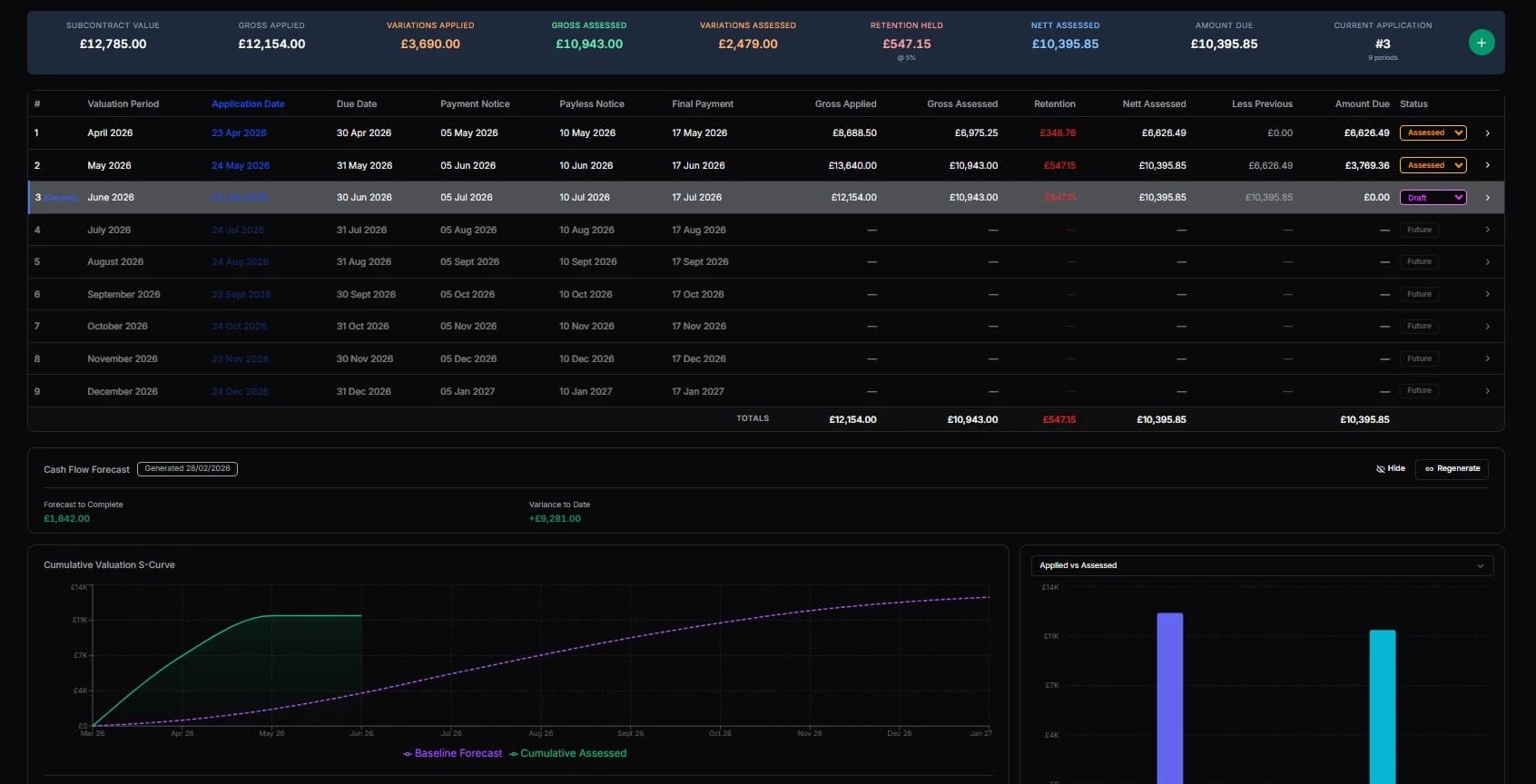
From the applications dashboard, the AI produces projected cash flow based on your application data—what you expect to apply for, when you expect payment, and your outgoings against subcontractor applications.
As applications progress—submitted, certified, paid—a second line tracks your actual cash flow against the forecast. You can see at a glance:
- Are you billing ahead of or behind forecast?
- Are payments coming in on time?
- Is your cash profile healthy or heading for a gap?
- Are sub payments outpacing your receipts?
The numbers that matter, at a glance.
Quick-view metric cards on the applications dashboard show key figures without drilling into individual applications—running account, certified to date, and retention held. Select any metric, choose your display— bar chart, line chart, area chart—and see the visual profile across the project timeline.
Because not everyone uses the platform.
Every application can be downloaded as a proper Excel file—not a CSV export, a formatted .xlsx that looks familiar and works the way people expect. Variation sheets download the same way.
If a subcontractor doesn't want to use the platform—or a client insists on their own format—download the Excel, let them fill it in, and upload it back. The platform adapts to them.
The full payment cycle. From contract to cash.
Main contract established → applications pre-provisioned → cycle dates calculated → applications completed → variations tracked → payment notices issued → payments received. The same for every subcontractor. Cash flow forecast by AI. Actuals tracked against it. Construction Act compliance built in.
This isn't just a payment tracker in a spreadsheet. It's a payment management system built around how the Construction Act says you should manage your money— because that's how we manage ours.
0
Application Types (Main + Sub)
0%
Construction Act Aligned
0
Years of Commercial Experience
£0
From, Per Month
Common questions about applications
Payment management built around the Construction Act
Auto-provisioned applications, AI cash flow forecasting, and full Construction Act compliance. For main contracts and every subcontractor.
Included with all plans — from £130/month
Get Started